The Ten-Second Check Before You Move
The most frustrating xiangqi losses rarely come from forgetting how a horse moves or how a cannon captures. They come from following your own plan while missing a check, an undefended piece, or the line that opens behind a piece when it moves. Play against AI, share one screen with someone beside you, or open a room for a remote game. No account or opening study is required. Before every move, spend ten seconds checking general safety, loose pieces, and your opponent's forcing moves. That short routine can prevent the biggest oversight of the game.
Choose How You Want to Play
Practice on your own, share a board in person, or invite a friend to play from another device.
Check These Three Things on Every Turn
First, deal with immediate danger. Is your general in check? Has a chariot, horse, or cannon become loose or undefended? Can your opponent continue checking or use a check to win material? When in check, find every legal response: move the general, capture the checking piece, or block the line. Your original attacking plan has to wait.
Second, if nothing is urgent, look for a forcing move. A check, a major capture, or a double attack can make your opponent respond; taking an unimportant edge soldier may simply give up the initiative. Choose two or three serious candidates, then calculate the strongest reply to each.
Third, inspect the square the piece leaves, not only where it lands. If a horse moves, does a soldier lose its defender? If the center soldier advances, do the two generals face each other on an open file? If a cannon leaves, does the back-rank elephant become loose? Many oversights begin on the starting square.
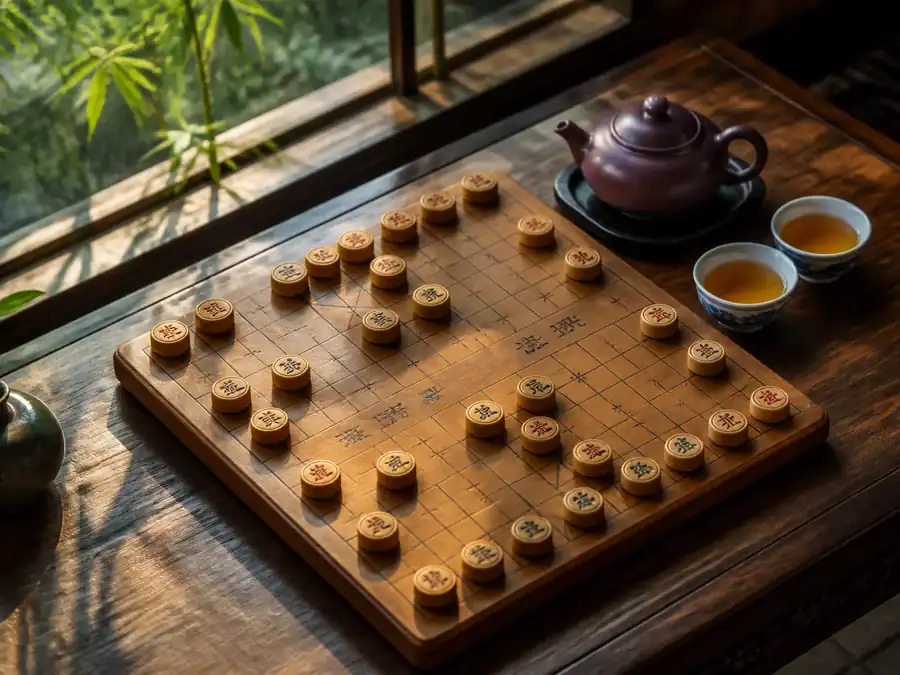
Piece Value Depends on Position and Initiative
A chariot trapped behind its own soldiers may be valuable in theory, but it cannot join the game yet. An ordinary-looking horse can matter more immediately if it gives check or wins material with a fork. Judge a piece by its open lines, defenders, and ability to gain tempo, not by nominal value alone. A move that develops a chariot, repairs a weakness, and forces a reply does more than a casual edge-soldier move.
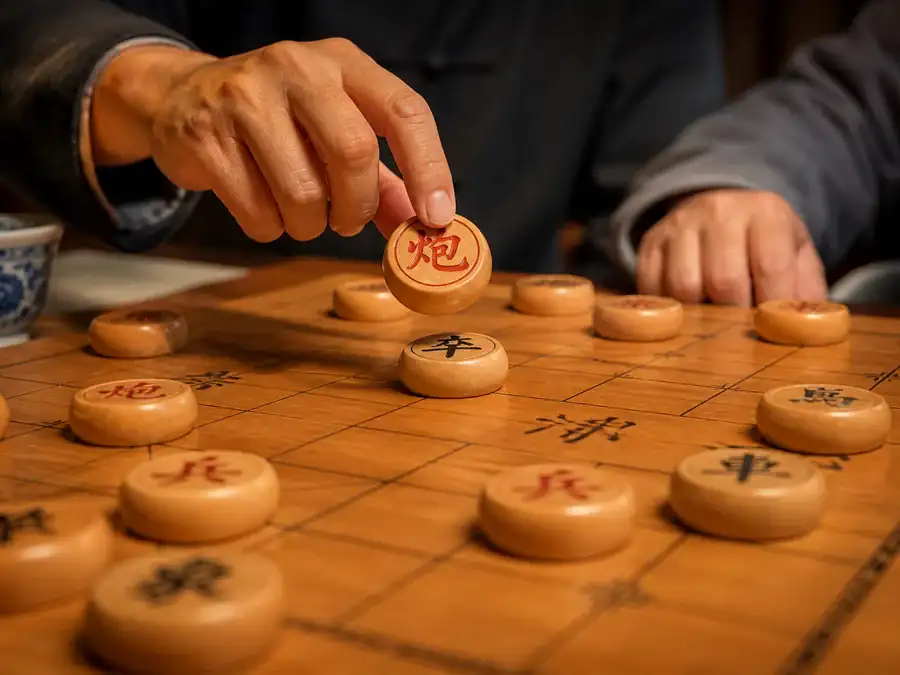
Count the Screen Before Reading a Cannon
With no piece between a cannon and its target, the cannon may move along the line but cannot capture. With exactly one screen, the capture is legal. With two or more pieces in between, the cannon line is blocked again. The screen itself can move: a center soldier advancing, an advisor returning to the middle of the palace, or an opponent interposing a piece can open or close a cannon line in one turn.
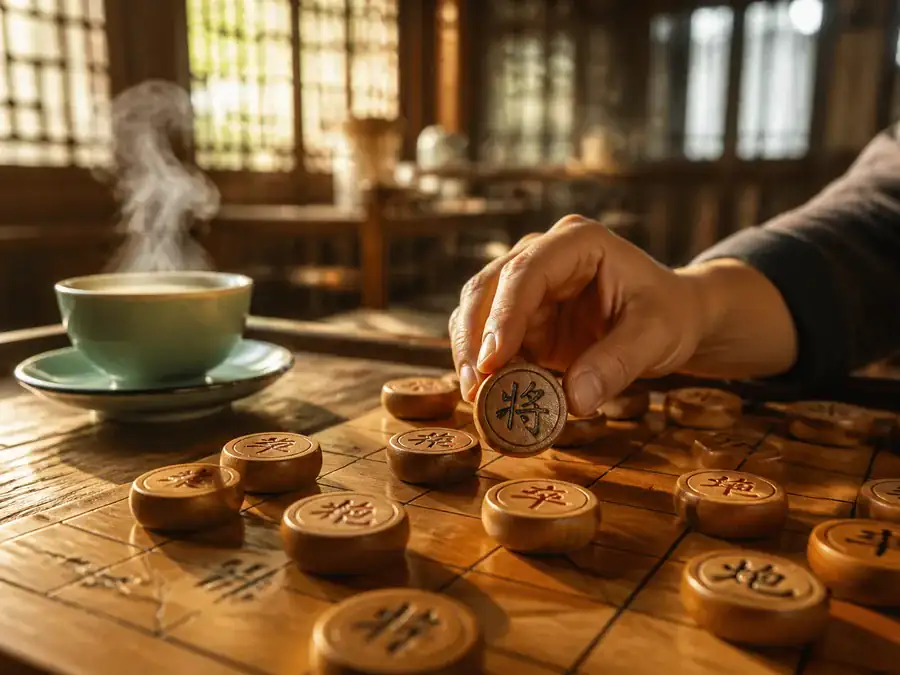
An Even Trade Can Still Favor One Side
Trading chariots may look equal in material, but the result changes if the exchange opens the center, creates a check with tempo, or lets the other chariot seize a key file. Before an exchange, ask who moves next, which line will open, and whether the remaining weakness is defended. A soldier across the river follows the same principle: sideways movement adds options, but lasting pressure still requires support from a chariot or cannon.
Firstcheck general safety and loose pieces
Thenfind forcing moves that demand a reply
2–3 movescalculate the best reply to each
Before movingrecheck the square your piece leaves
Common Questions
Does this board use standard xiangqi rules?
Yes. Red moves first; horses can be blocked at the leg, elephants cannot cross the river, cannons need exactly one screen to capture, and the two generals may not face each other on an open file. Checkmate or leaving the opponent with no legal move wins. Repeated checks and chases are adjudicated under Asian rules.
How is this AI different from a typical browser xiangqi opponent?
The AI here is the open-source Fairy-Stockfish engine with a dedicated xiangqi neural network. It searches later variations in your browser as you play, and the sidebar shows the search depth, the recommended line, the node count, and the search speed. A lot of web xiangqi only scores preset piece and square values. This engine also weighs piece coordination, general safety, and positional cost, so it is less likely to grab material while missing a larger problem. If the browser cannot run multiple threads, play continues on the lighter XQWLight engine, and the sidebar no longer shows those details.
Why can the first AI game take longer to load?
On first use, the browser downloads the engine and a neural-network file of about 11 MB. Those files are then cached, so later visits are usually much faster. If a device is older or the browser cannot use multiple threads, the page automatically falls back to the lighter XQWLight engine.
Are games against the AI uploaded to a server?
No. The AI thinks inside your browser, and its move calculations remain on your device. Moves are sent to a room service only when you enter an online room to play another person, because both boards need to stay synchronized.
How can I use hints, undo, and replay without copying the answer?
Find two candidate moves first and calculate your opponent's best reply to each before opening the hint. If the suggestion differs from yours, check whether you missed a check, material loss, a cannon screen, or a blocked horse leg. Use undo to return to the decision point and test another line. In replay, start with the first clear decline rather than the final checkmate.