Play Xiangqi Online
Create a public or private room and invite a friend with a share link or room code. The lobby is on this page: join a public room or watch a game already in progress. Rooms you created, including private ones, appear only under My rooms. Every game uses a standard 9×10 Xiangqi board.
Create a room
Choose a room type, then invite a friend with the room link or code.
Public rooms use a shorter code and appear in the public list for anyone to join. This browser can keep only one public room at a time.
Join a room
Paste a friend's share link or enter a room code. A waiting room starts a game; a game already in progress opens in spectator mode.
Tip: Leaving a room does not end the game. The host can return through My rooms below or close the room. If both players leave, it expires after about 20 minutes. Room codes are used only for this match and do not store personal information.
Room lobby
My rooms
0Waiting for opponent
0Games in progress
0Creating public room…
Assigning a unique room code. Please wait.
Public room created (9×10)
Send the link or room code to a friend. The game will start automatically when they join.
You will play Red and move first; your opponent will play Black. This setup remains in place when they join.
Connection interrupted. Reconnecting…
Join a room
Room details were found in the shared link. Connect now, or edit the room code first.
Entering the room…
Connecting to room . Please wait.
Connection interrupted. Reconnecting…
Opponent found. Ready to play
Your opponent left the room
They disconnected. Return to the lobby to create or join a room.
Connection failed
Room not found. The code or link may be incorrect, or the room may have closed. Check it and try again.
Play Xiangqi Online
Arrange a Game Online
Create a public or private room and send the link or room number to your opponent. No account is required. Piece selection and legal move previews stay on your device; only a complete, confirmed move is sent to the room for validation and synchronization. Online games have no unilateral undo or hints. You can reconnect after a brief interruption, but a confirmed move cannot be taken back.

Invite by Link to a Private Room
For a game with someone you know, create a private room and send them the invitation link directly. The room does not appear in the public list, but anyone with the link or full room number can try to take a seat or watch, so do not post the invitation publicly. A private room you created still appears under My rooms on this page, so you can reopen or close it. Your browser stores the credential used to reclaim your seat; do not forward that credential to anyone else.
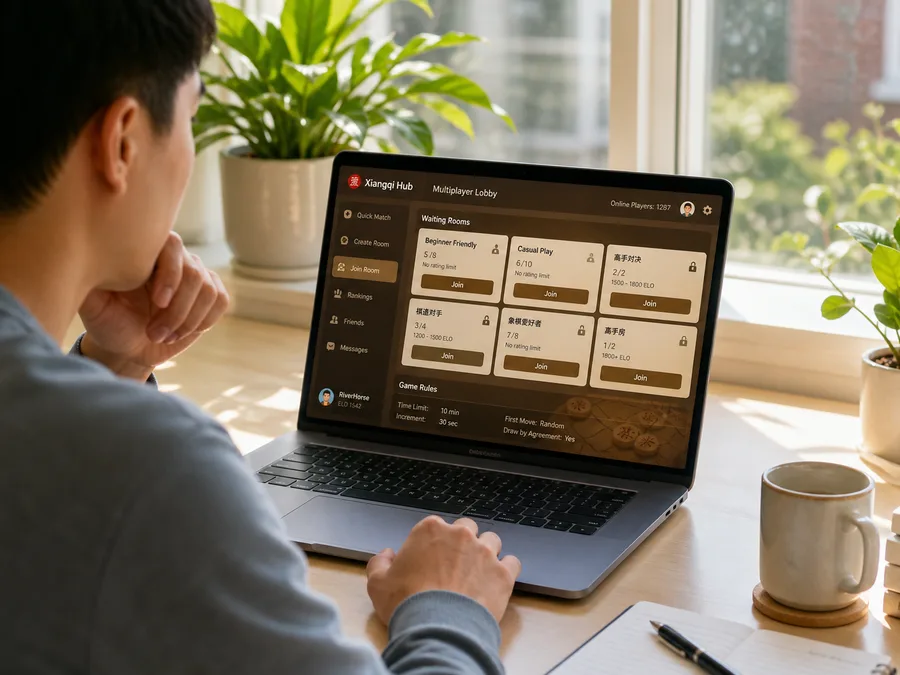
Check the Status in the Public Lobby
The lobby lists public rooms; it is not an automatic matchmaking queue. A room marked “Waiting for player” still has an open seat. A room marked “In progress” is available only for spectating, and spectators cannot move. Rooms you created and have not closed appear under “My rooms,” where you can reclaim your seat or close the room.
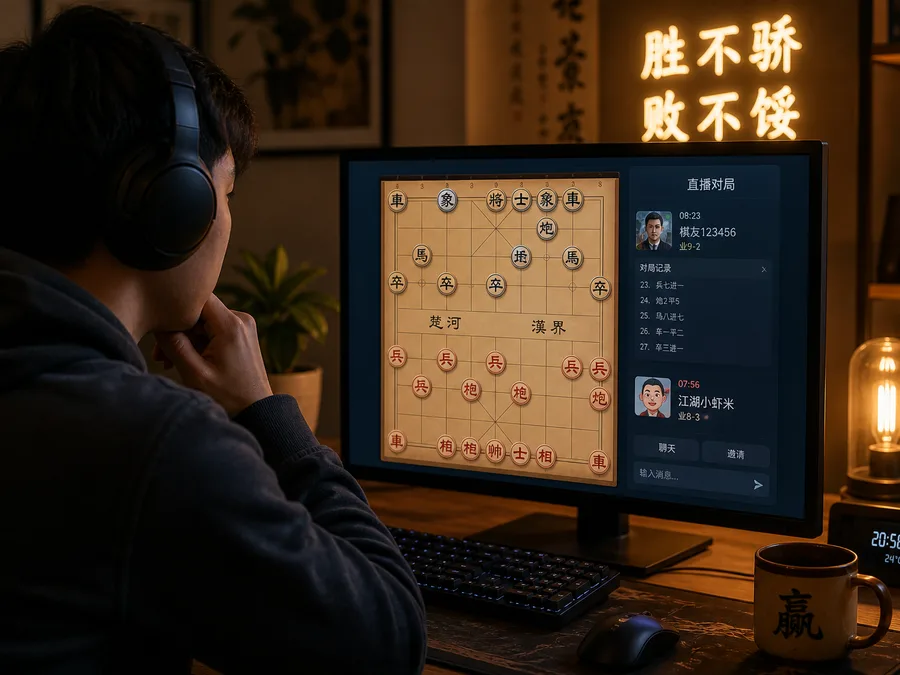
Leaving Does Not End the Game
“Leave room” only returns you to the lobby temporarily; the game and your seat remain, and you can reconnect from the original entry point. “Resign” ends the game immediately. Only the host can “Close room,” which dissolves the table and invalidates its invitation link. A temporary room eventually expires if both players are offline and it remains inactive for a long time.
Privatethe link is a temporary entry pass
Publicwaiting rooms appear in the lobby
Leavekeep your seat and return later
Closedissolve the room and disable its link