One Screen, Two Players
Local two-player mode turns a phone, tablet, or computer into the board. Red moves first and both players take turns on the same device. The page records the current turn, legal destinations, and move history, so there is no need for a second device or a room. Before starting, agree whether this is a lesson or a competitive game and whether undo and hints are allowed, then keep those rules for the whole game.
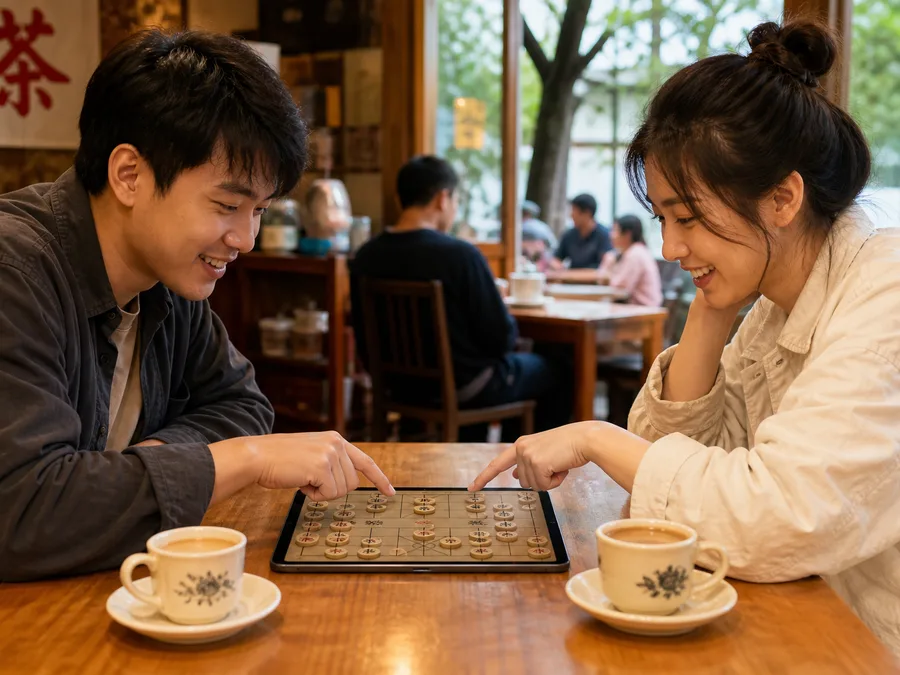
Agree on the Ground Rules First
For a competitive game, you might agree that a confirmed move stands unless it was an accidental tap, with no hints allowed. In a lesson, you can return to a branching point and compare variations. Place the device where both players can see it, check that the turn has changed after every move, then pass control. If you are handing a phone back and forth, decide in advance how to handle an accidental destination tap.
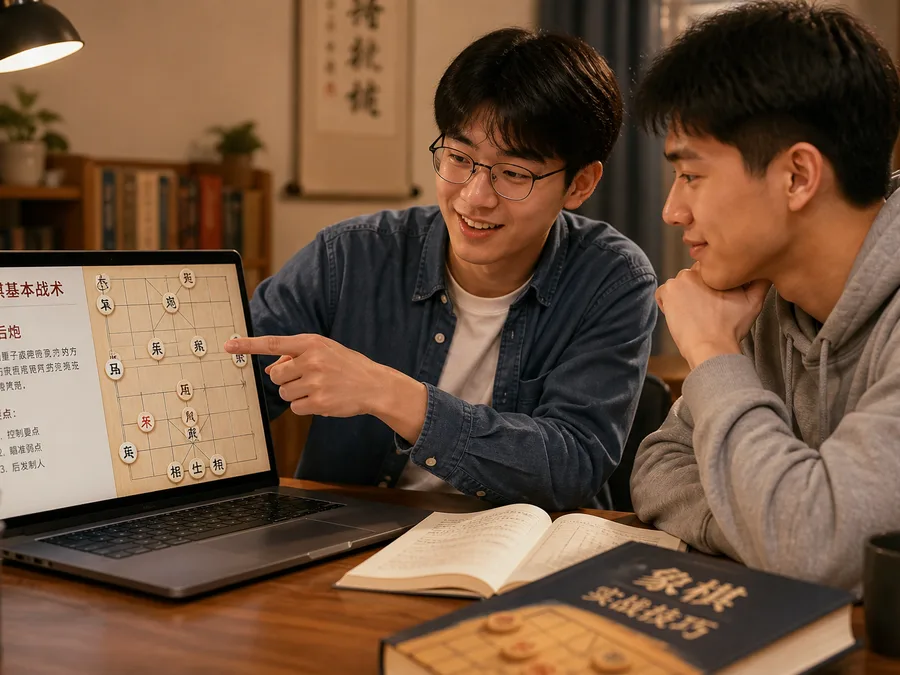
Ask the Learner to Name the Move
Do not make the move for a beginner. Ask them to state the full move and its purpose, such as “Horse 2 to 3, developing the piece and protecting the center soldier,” then ask for the opponent's strongest reply. If the move is illegal, return to the relevant rule: is the horse leg blocked, is there exactly one cannon screen, or will moving the piece leave the generals facing? Saying it before playing turns a tap into a decision that can be reviewed.
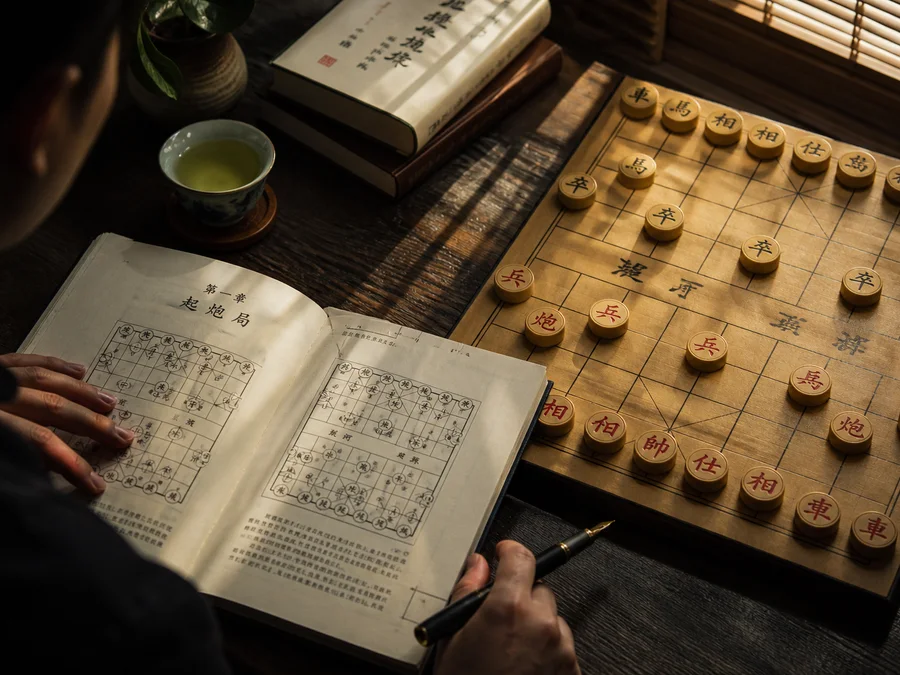
Practice One Theme per Game
A teaching game does not need commentary on every move. You might spend the whole game watching cannons: they cannot capture over an empty line, they need exactly one screen to capture, and two or more pieces block the shot. Whenever a cannon line changes, ask the learner to count the intervening pieces and check whether moving the screen exposes a general. Replay the relevant moves afterwards so the theme stands out from scattered corrections.
Before playagree on undo and hints
Before movingname the move and its purpose
One themefocus each game on one decision
Afterwardsreplay the key moves